
Searching Cases by Name
Minnesota Court Records Online Case Search is where a Murray County case search begins. The tool is known as MCRO. Accept the terms first. Then pick Name as your mode and choose Person or Business before typing anything. If you already know the matter belongs to Murray County, select Murray under Court Locations. That filter cuts down look-alike results from across the state. Keep expectations in line with what the tool does. MCRO returns an index to public court material. It is not a certified identity match or a complete file.
- Accept the MCRO terms and choose the Name search mode.
- Select Person or Business. For a person, enter the last name and then the first name when known.
- Choose Murray County under Court Locations. Add a category or filing-date filter only when that fact is reliable.
- Review the matching case row, then open Case Details to read the public Register of Actions and available information.
Note: A wrong date or category filter can bury a Murray County case result rather than sharpen the search.
Murray County Case Search Modes
MCRO offers one public interface. It holds four tools: Case Search, Document Search, Hearing Search, and Judgment Search. Case Search alone gives you four modes. Those are Name, Case Number, Citation Number, and Attorney. The court location filter can stay statewide or switch to Murray County. Case Category covers Civil, Criminal, Family, Probate, or Mental Health. Leave the live Case Status control alone. Follow it only when the interface itself displays the label you want. The MCRO Case Search interface shows the starting tab and the search controls behind a Murray County case lookup.
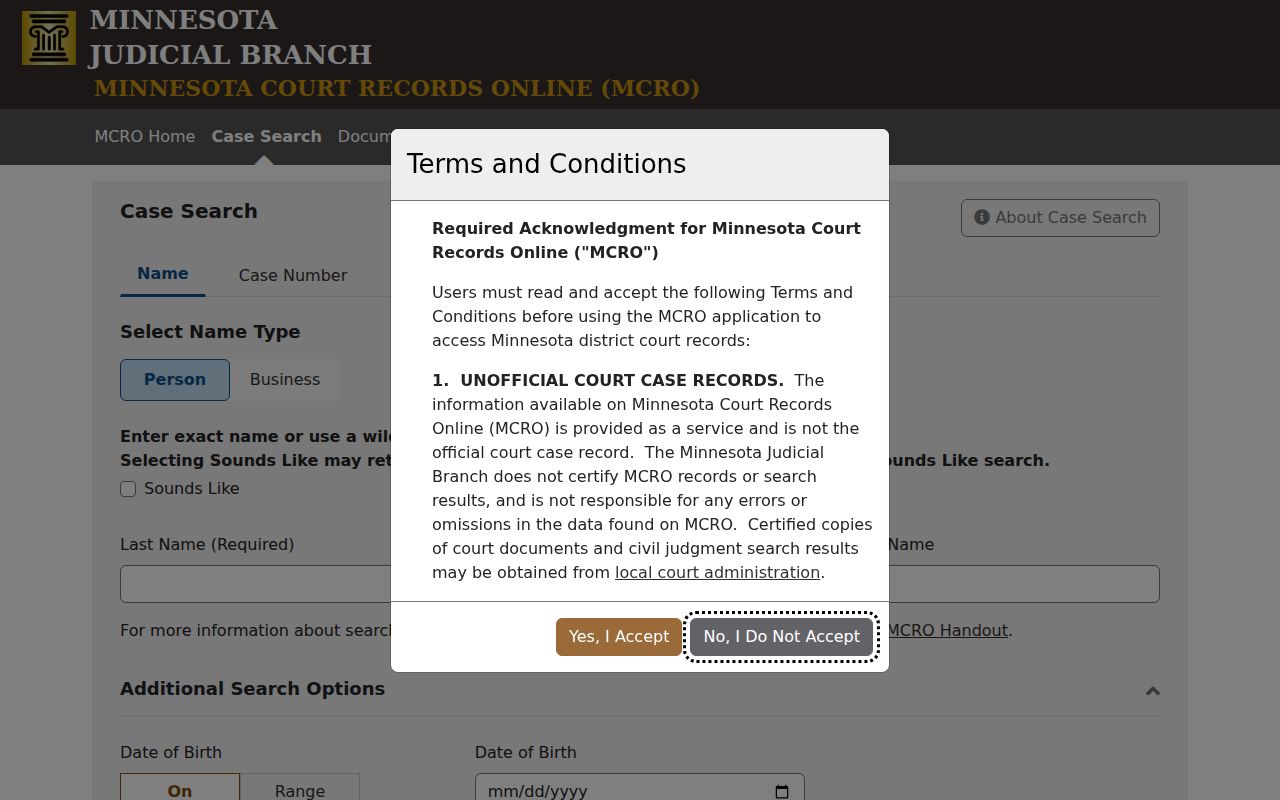
Pick the right mode before you type. That single step keeps a Murray County search pointed at the records that mode actually holds.
Murray County Case Name Matching
Name searching is exact enough that careful typing pays off. Person search asks for Last Name and First Name, with Middle Name optional. A Sounds Like option can surface name variants when the first letter matches. You can also add a wildcard after at least two characters, like Jo*. MCRO will not let you combine a wildcard with Sounds Like. So run them as separate leads. Compare the case details each one returns.
| Field label | Type | Required | Use in a Murray County search |
|---|---|---|---|
| Person or Business | Selection | Yes | Choose the name type before entering a name. |
| Last Name | Text | For a person search | Start with the exact spelling. |
| First and Middle Name | Text | First when known; middle optional | Test middle-name variants separately. |
| Sounds Like or wildcard | Search option | No | Use one method at a time, never both. |
| Date Filed, category, location | Filters | No | Use Murray County location first; do not over-filter. |
Searching by Case Number
A complete case number is the fastest MCRO route when you have it. Type the number as printed, with no spaces: complete case number, no spaces. The official rules accept letters, numbers, and hyphens. Dashes or leading zeros may be dropped or kept. A partial number, though, often triggers an error or a result too thin to be worth anything. This route matters most for a pending Murray County criminal or traffic matter. Such a case may never show up under a defendant-name search.
MCRO also runs a Citation Number mode under the same complete-number rule. A known Murray County matter can go missing from a name search. Do not read the absence as a conclusion about the case. Try the number route or call court administration instead.
Murray County Case Number Entry
Searching by number skips most name-matching headaches, yet it still demands the full identifier. In Case Search, choose Case Number or Citation Number before typing anything. Document Search is stricter still: the case number is its only public query. A number that comes from a court notice should be kept whole. Never rebuild it from the case category or filing year. The official MCRO case-search instructions explain the complete-number rule and the no-space rule. Once the search lands, a Murray County court file can be opened from the result. Public access must permit it.
What a Case Search Returns
Select a Murray County case and Case Details sorts the public record into sections: Case Summary, Case Information, Assignment Information, Party Information, Case Events, Dispositions, Hearings, Conditions, and Financial Information. Not every field is public online. A document index does not promise a downloadable attachment. Read the whole Case Information area before tying any flag or event to the case in front of you.
| Header | Case number, court location, category or type, filing date, status, and assignment information. |
|---|---|
| Parties | Public party role, party type, and representation fields; a name can instead show as unavailable online. |
| Register of Actions | Chronological case events such as filings, notices, hearings, motions, and orders. |
| Hearings | Public date, time, type, judicial officer, location or remote information, and any displayed result. |
| Documents | Public index number, title, date, page count when shown, and a download link only when available. |
| Disposition and financial fields | Displayed outcome, judgment, conditions, or financial information, which may not be a full payment history. |
Murray County Case Details Review
Case Details is where a case event and a public document come apart. An event can list a document index number with no attachment behind it. An active-warrant flag may belong to a different case entirely, so check Case Information and the cross-references before drawing any conclusion. A result also does not prove the whole court file is available remotely. The Case Details and judgment-details handout lays out the public view. For a court-issued copy, go to Murray County District Court Administration.
Murray County Case Search Sessions
MCRO is free right now and needs no registration for public access. Sessions reset after 30 minutes of inactivity, with a warning near the 28-minute mark. Keep the case number and search date handy for a longer review. A session prompt can cut a search short. Remember what the tool is. MCRO searches and displays. It cannot file documents, pay fines, schedule hearings, or produce a certified record.
Note: A public download may identify a Murray County case. Certification comes from the court, not MCRO.
Statewide vs County Case Search
Skip the idea of a separate Murray County online case database. MCRO runs statewide. Its Court Locations setting controls scope. Pick the statewide option when you don't know the filing county. Pick Murray County when you do, since it cuts unrelated results. Either way, the same public-access rules govern both routes. Restricted records stay hidden in both.
| MCRO statewide setting | MCRO with Murray County selected |
|---|---|
| Searches public Minnesota district-court results across locations. | Limits the same public search to the Murray County court location. |
| Useful when the filing county is uncertain. | Useful when a local filing is expected or a common name produces many results. |
| Still subject to remote-access limits and search-mode limits. | Still subject to the same limits; the county filter does not open restricted files. |
Murray County Document Search
Document Search is a narrower MCRO tool. It wants a case number, not a party name. It returns the public documents that remote-access rules permit. If you don't have the number yet, run a Case Search first. Then paste the full number into Document Search. Even so, a public case can show a document index with no downloadable file. Access varies by category, date, and restriction.
MCRO Document Search shows the single case-number field you use to pull public documents for a Murray County case.
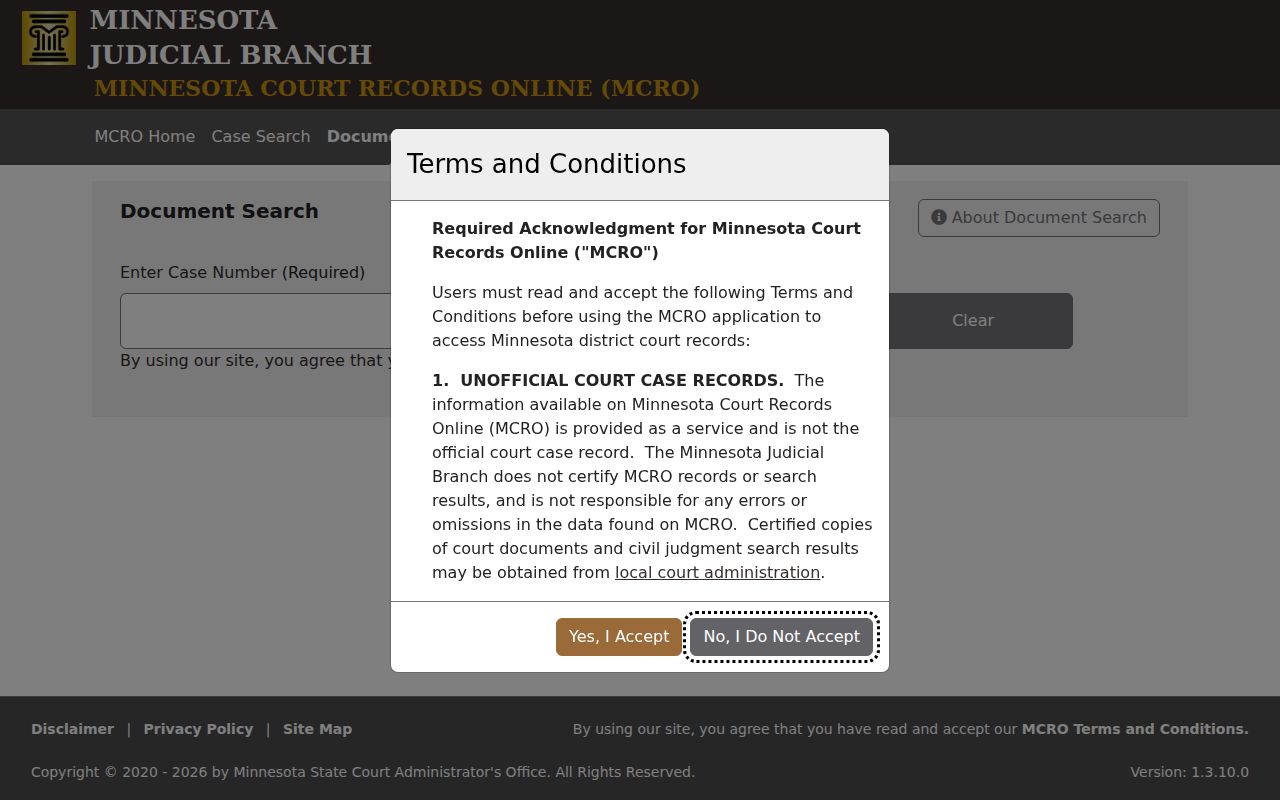
Because it works by number only, Document Search fits best as a follow-up once the Murray County case file is in hand.
Access and Restricted Cases
Minnesota Rule of Public Access 8 draws a line. That line falls between inspecting papers at the courthouse and viewing them remotely. Civil commitment records get no remote document access at all. Domestic abuse and harassment cases carry real limits. So do some delinquency and CHIPS matters, family records, and post-adjudication paternity records. Statutory limits also apply to juvenile records. So a case can be public in some form yet not fully viewable online.
Rule 4 lists which public records are closed and which protective restrictions apply. Watch for the MCRO message Name Not Available Online. That is an access state, not proof the case does not exist. The category may still be open in person. A public terminal at a Minnesota courthouse, or at Murray County Court Administration, is the right next step.
Murray County Case Terminal Access
Remote MCRO access is narrower than what a courthouse terminal offers. When the search route, the category, or the name display leaves you without a usable result, a public access terminal at a Minnesota courthouse may show what remote access withholds. Sealed and confidential limits still apply there, though. Need a certified, older, or restricted record? Contact Murray County District Court Administration through the Murray court location to get the right route.
Murray County Judgment Search
Judgment Search covers one slice of the record: public docketed monetary judgments, plus satisfaction information. It does not search every outcome. A non-monetary result shows up, when public, in the Case Details disposition area instead. Keep that split in mind. It applies whenever a Murray County search concerns the whole court record rather than one judgment category.
MCRO Judgment Search offers a debtor-name route. It leads into public monetary judgment records.
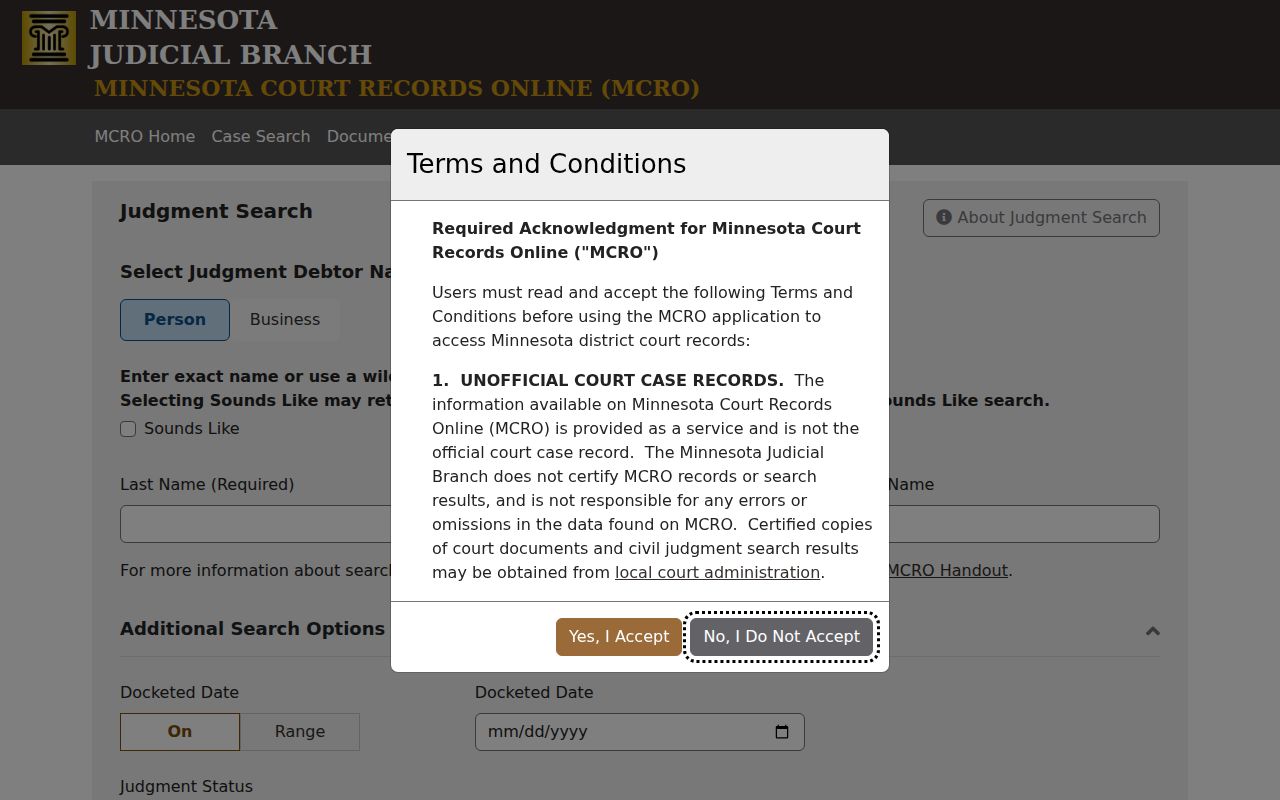
Treat the judgment tab as one focused piece of the wider Murray County case record.